 GoalNav Manual
 In This Chapter
How to Log Out
Log out of the GoalNav® system
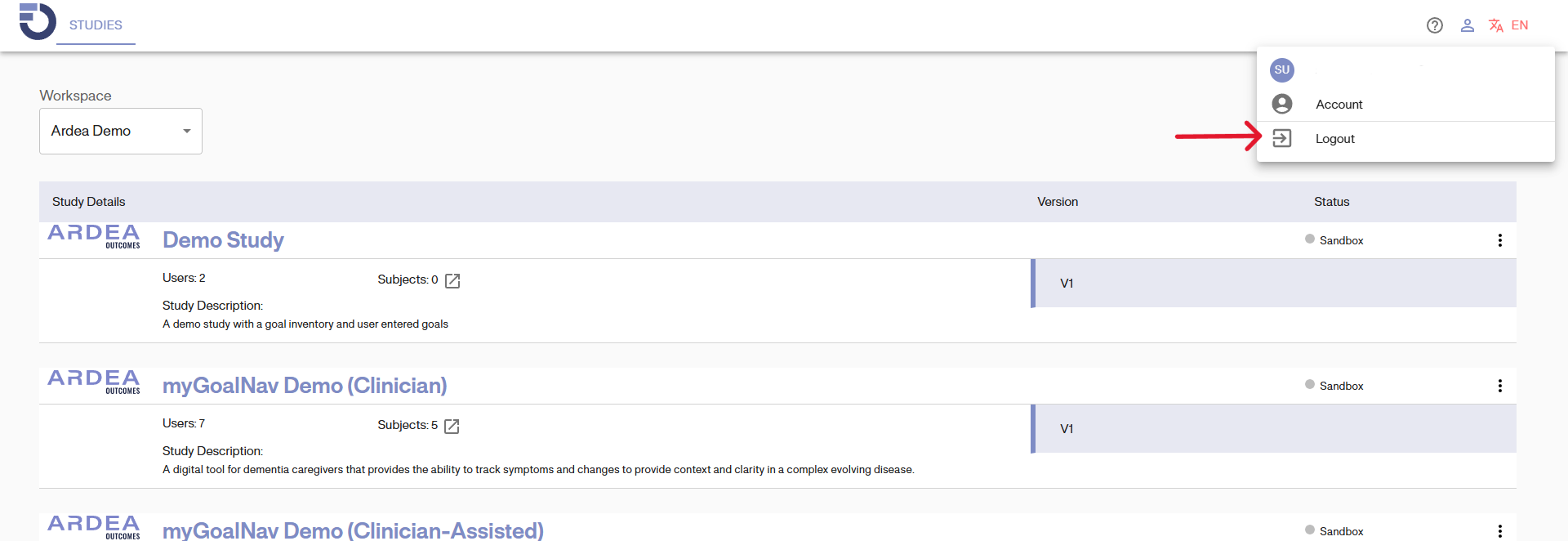
Click on the user icon  . It will open a dropdown menu.
Click on “Logout” to logout from the site.
Note: It should be common practice to log out of the system after you have finished every session. Do not wait for the system to log you out automatically.