 GoalNav Manual
 In This Chapter
Subject Details Page
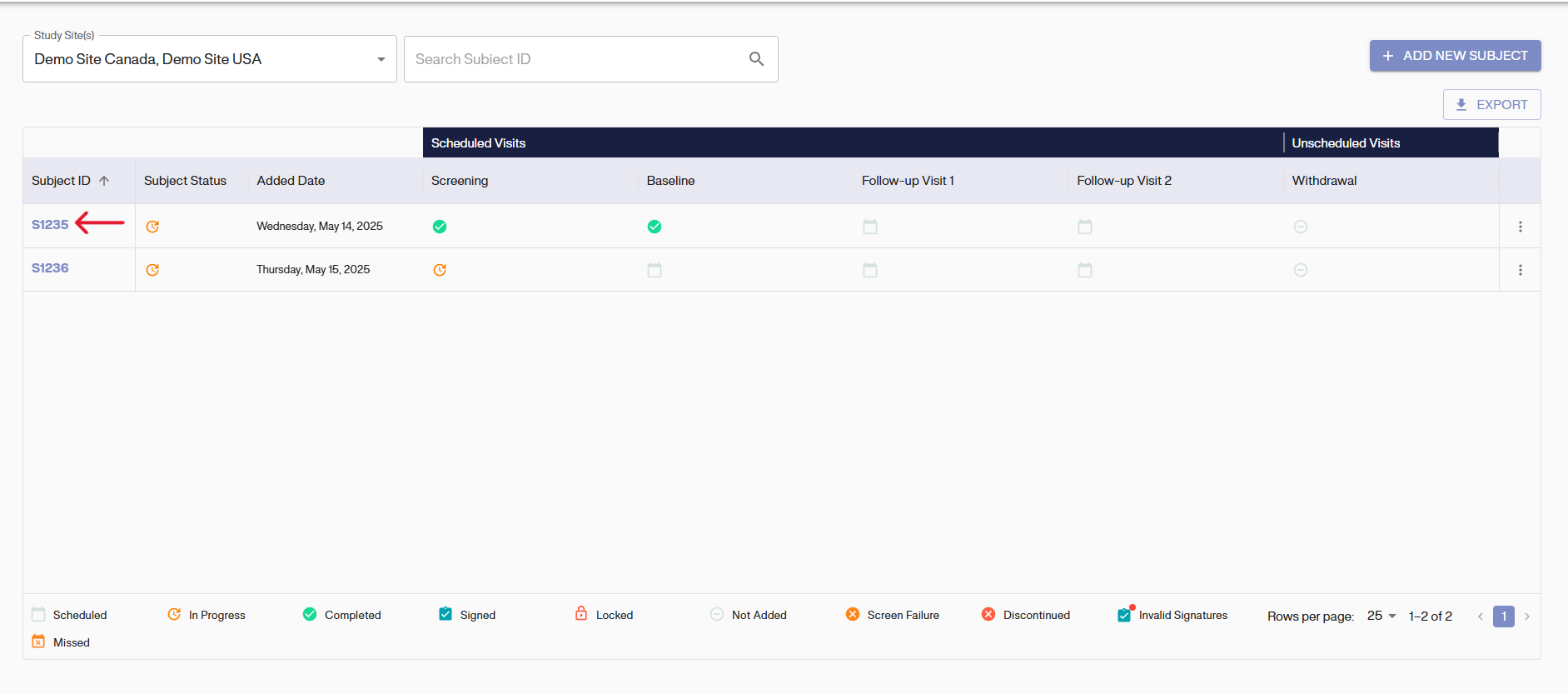
To navigate to the Subject Details Dashboard, click on the subject Id from the Subject Matrix.
Then, you will be able to view your subject’s visits and associated forms.
On the left side of the page, you will find a table containing:
• Visit name
• Visit start date (start of data entry)
• Visit status • Form name(s)
• Date of last update to the form
• Form status
The status of the visit and forms may differ if you have more than one form to fill out during each visit.
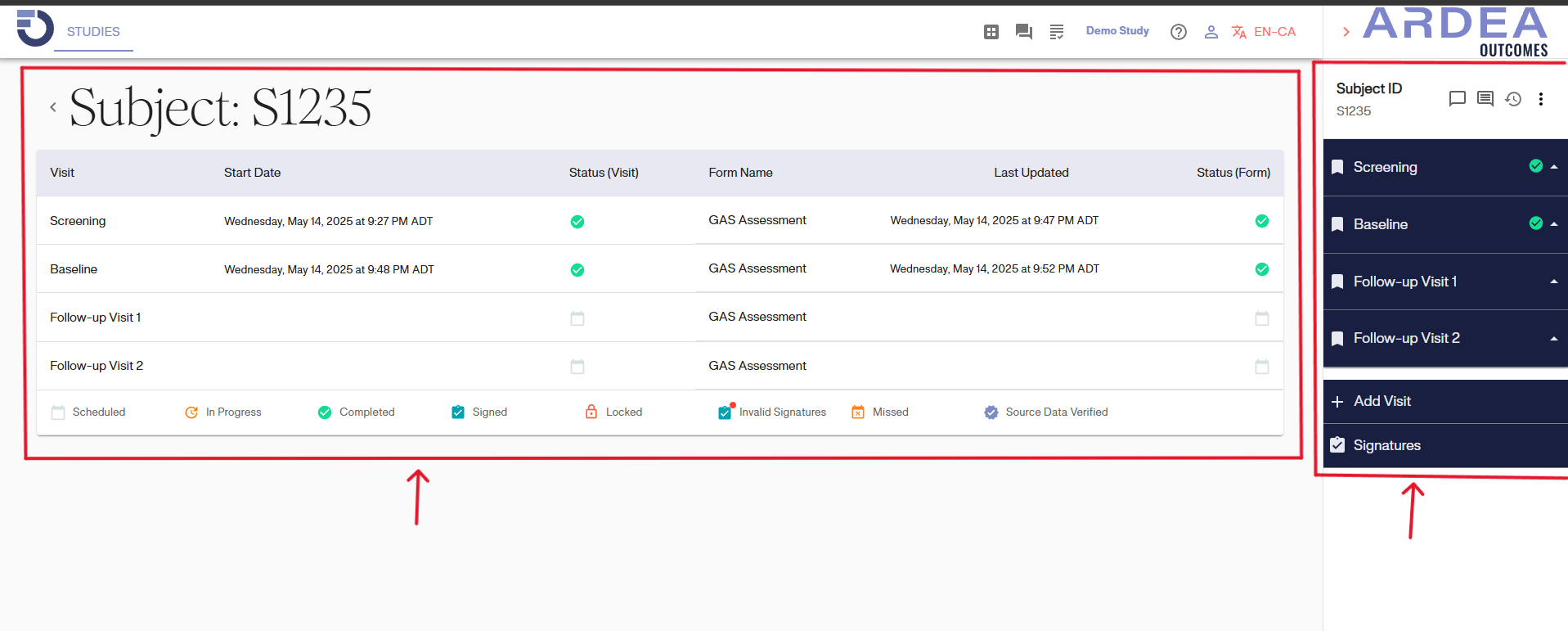
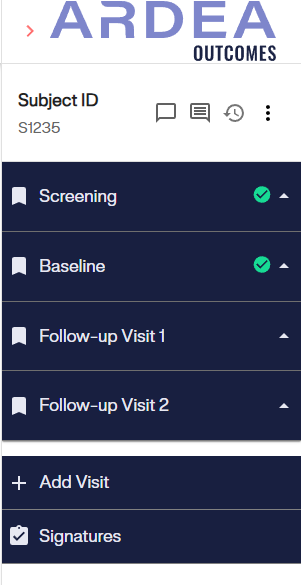
The study menu will remain on every visit page and can be collapsed using the arrow. Icons may appear within the study menu to signify visit statuses.
Icons Legend Section
The icons legend section at the bottom of the Subject Details Dashboard serves as a helpful guide for users to understand the meanings of the various icons used throughout the interface. Each icon represents a specific action, status, or feature related to the subjects being monitored or analyzed.
