 GoalNav Manual
 In This Chapter
Subject Matrix
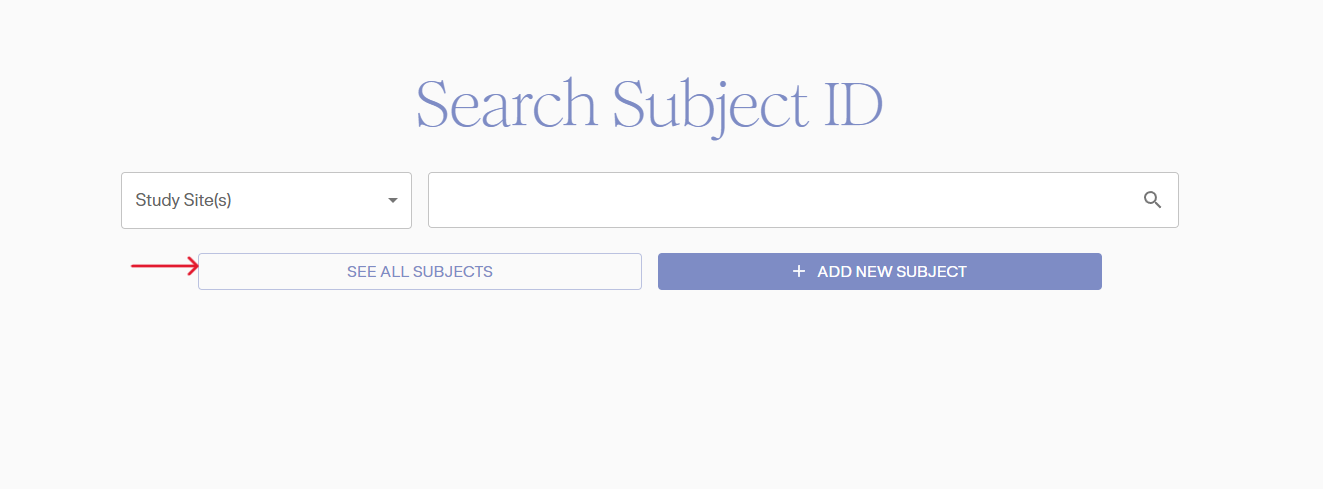
In the homescreen page, click on your study to access the study. You will first be taken to the “Search Subject” page where you can access the subject matrix. We will review how to add a subject in the GoalNav: Data Entry section
Click on the “SEE ALL SUBJECTS” to acess the Subject Matrix.
The Subjects Matrix will be displayed, containing all the information for each subject. This matrix tracks the progress of visits completed by each subject using various icons. Each record is labeled with the Subject ID, and clicking on it will open the Subject Details Dashboard.

Additional Features
• Export Subject Matrix using the Export button on the top.
• Clicking on the options icon (three dot icon) on individual record row, will provide more actions to perform on subject such as View Subject, Sign subject based on user role.