 GoalNav Manual
 In This Chapter
Home Screen
Study Details
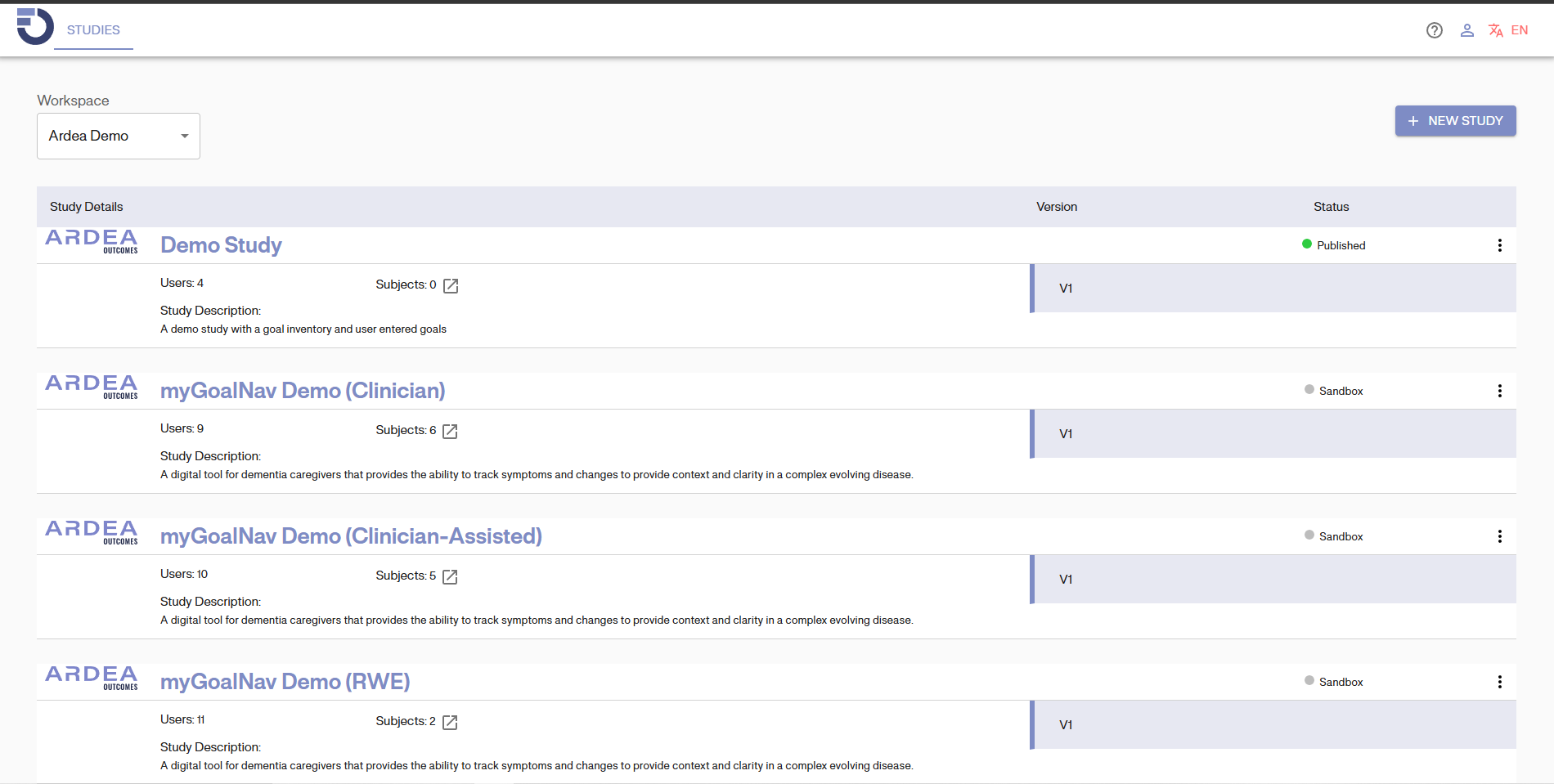
After signing in to the GoalNav® system, you will be redirected to the study details page as outlined below.
On this page, you will see the details of your study which includes:
• Study Details
• Study Version number
• Study Status (‘published’ for active ongoing studies, “sandbox” for training studies)
Additional Features
• Access your user account or log out of the system
• Change the language of the GoalNav® system if study requires
• The ‘STUDIES” button will always return you to your study details home page.