 GoalNav Manual
 In This Chapter
Comments
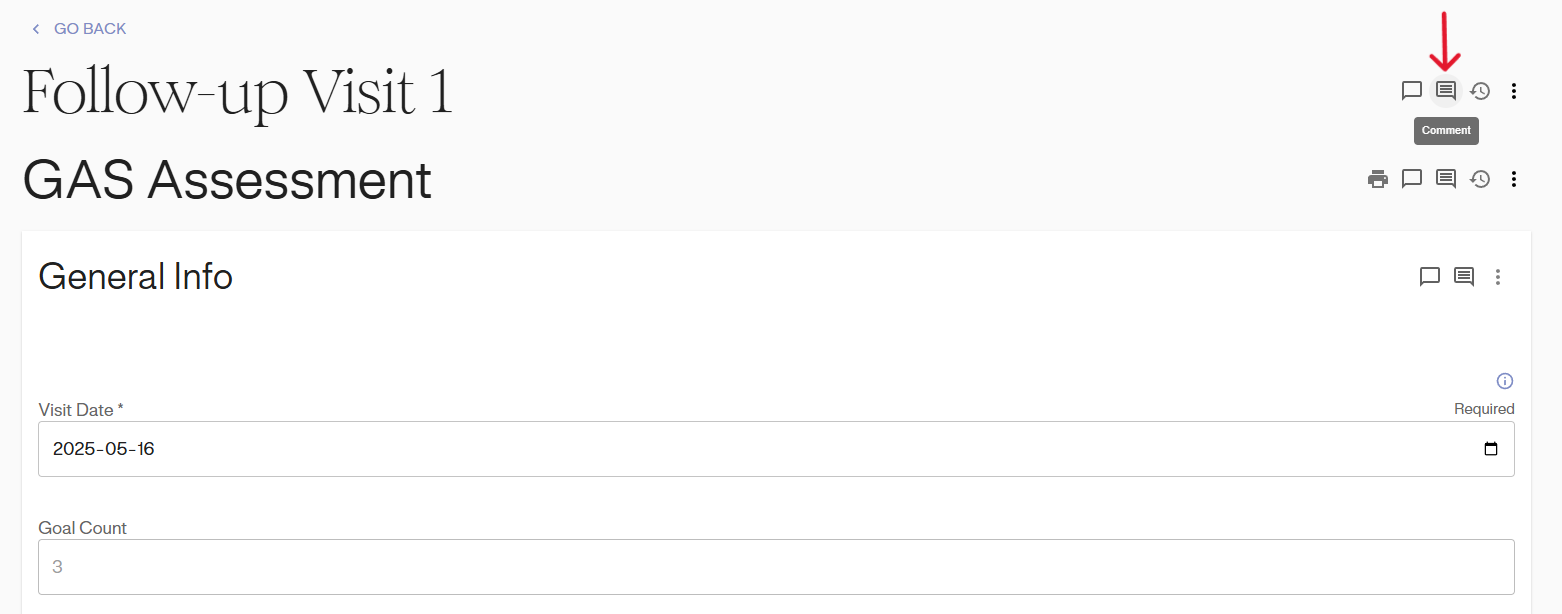
You can leave a comment by clicking the Comments icon.
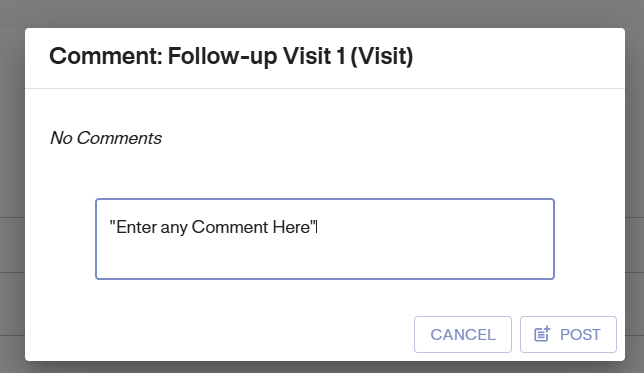
A pop up window will appear with a text box to enter comment.
After posting your comment, the Comment icon next to that data field will turn blue. 
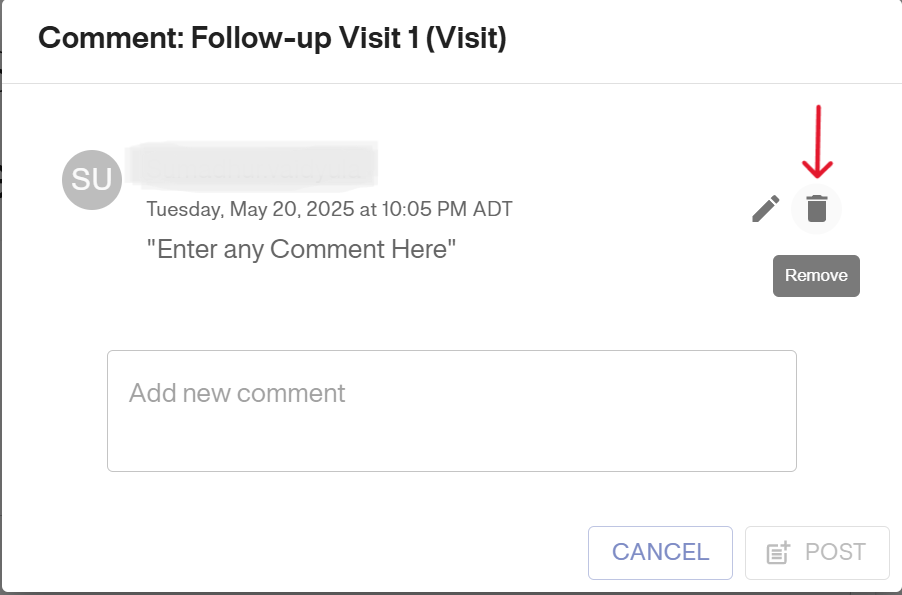
You can view comments by clicking on the blue Comment icon and delete them by clicking the Remove icon.