 GoalNav Manual
 In This Chapter
User Profile
Your user account can be accessed via the navigation panel at the top of the screen on the homepage.
User Account : User Profile
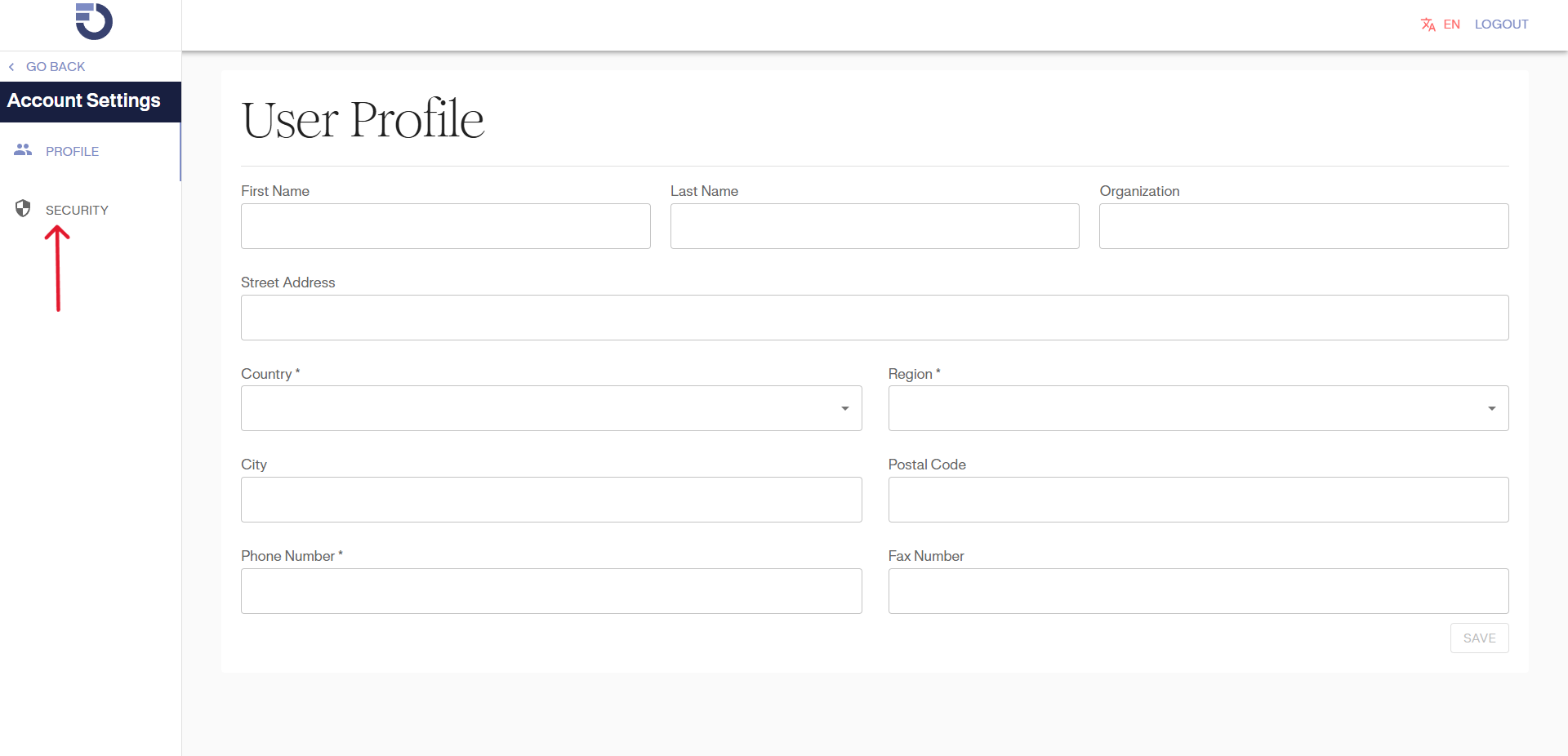
Your user profile page contains all your personal information. You may fill this out at any time. This information is important in case the GoalNav® team must contact the user.
Click on the user icon  . It will open a dropdown menu.

User Account: Security (Change Password)
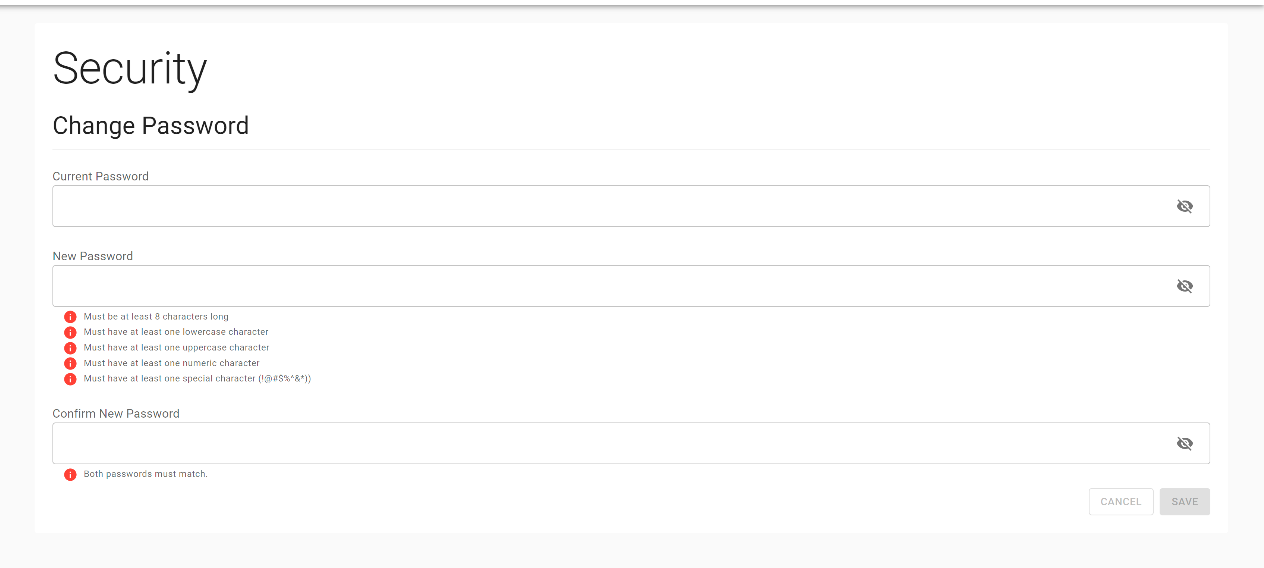
In your user account, you can also select security settings. These settings allow you to change or update your password.
Enter your current password, and then choose new password to change it.