 GoalNav Manual
 Help & Support
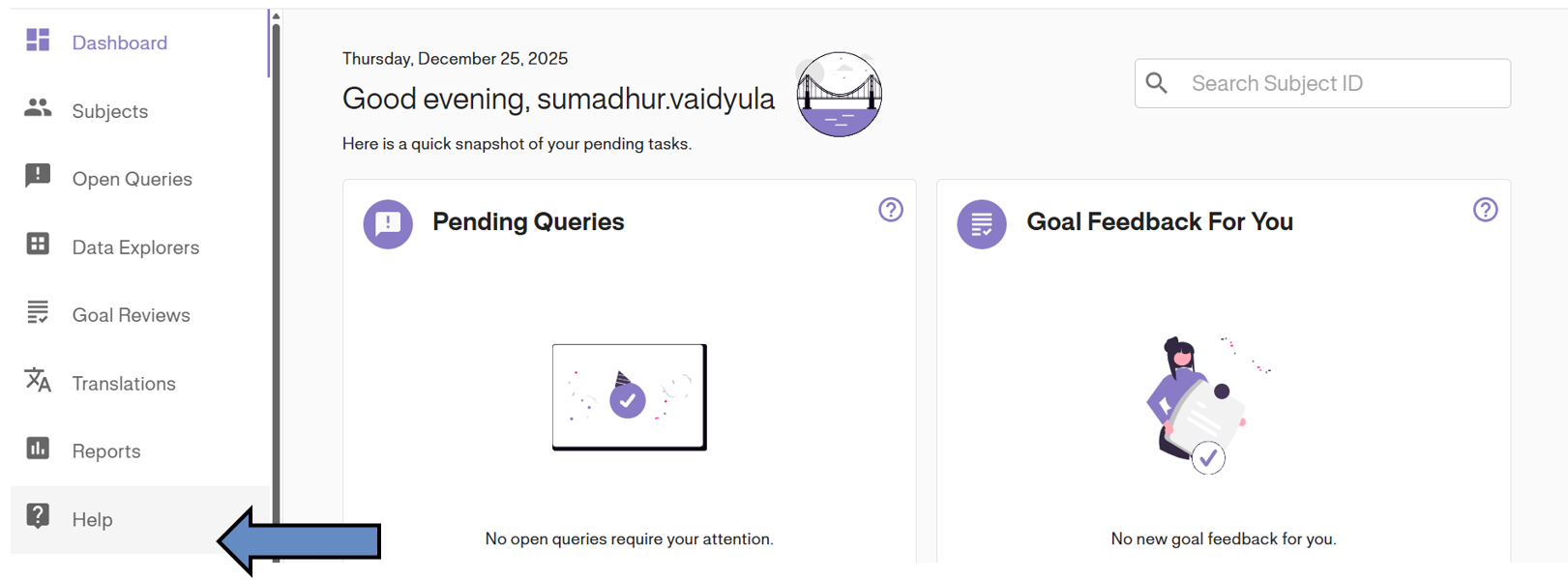
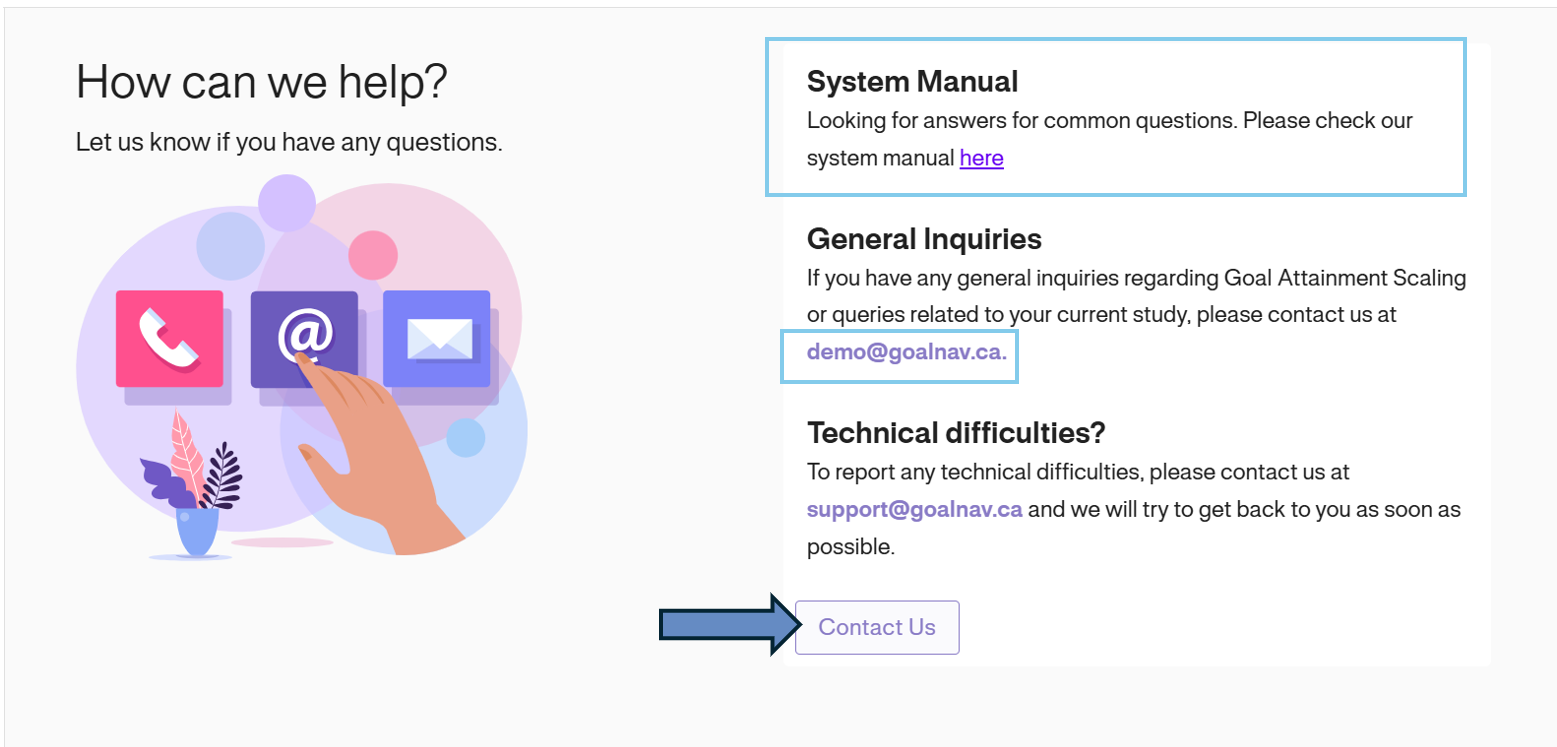
As per training guidelines, you can access support on Goal Attainment Scaling and GoalNav via your study-specific email; however, you can also easily get assistance by clicking on the Help icon in the dashboard. This will direct you to our help page, where you’ll find quick access to the help email, system assets, and a “Contact Us” page.
Creating a Support Ticket
1. Click the Contact Us button on the help page to create a ticket.
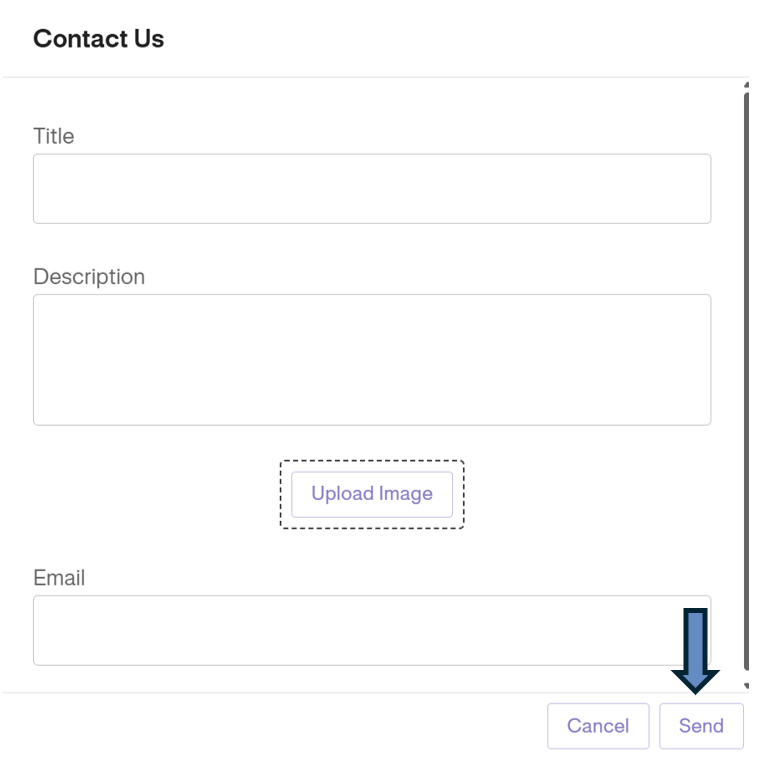
2. A pop-up window will appear. Fill in the required details regarding your issue.
3. Click the SEND button to submit the request.