 GoalNav Manual
 How to Log Out
Security Note: It is required that you log out of the GoalNav system when you have finished your session or are stepping away from your workstation. Do not wait for the system to log you out automatically.
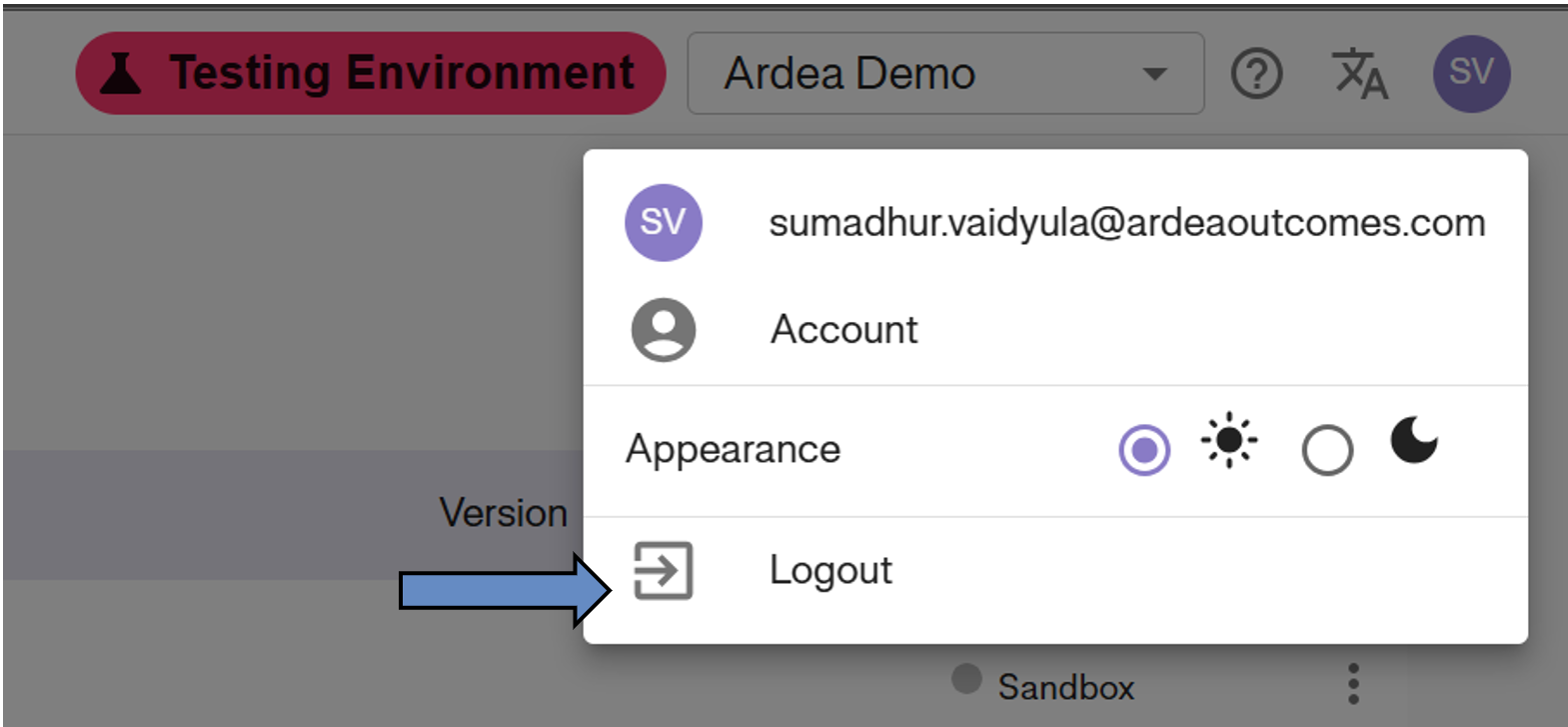
Steps to Logout
1. Click on the User Icon (displayed with your initials) in the top right corner. 2. Select Logout from the dropdown menu to exit the site.