 GoalNav Manual
 Login & Access
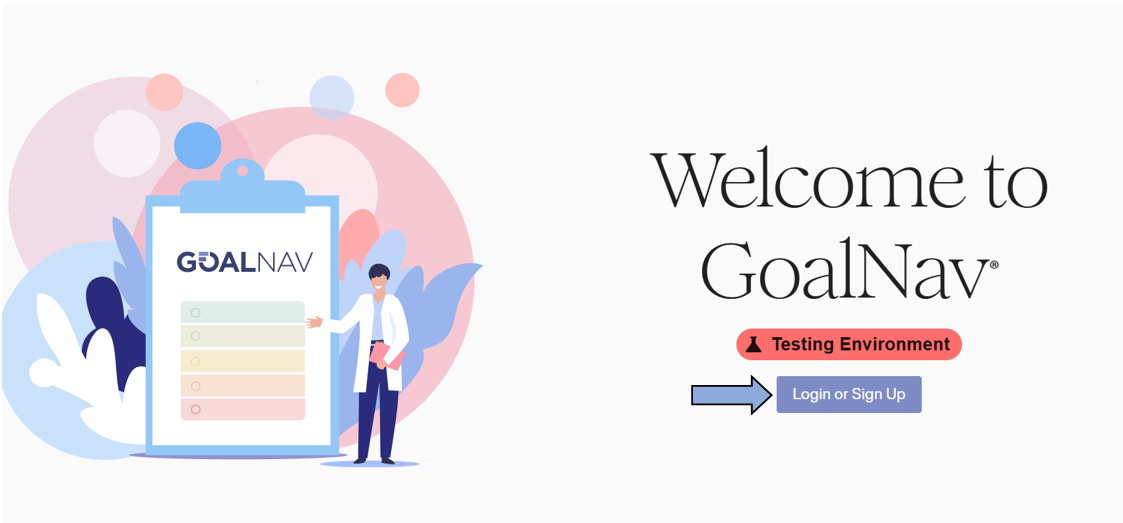
Click on Login or Signup from the Dashboard homepage to begin.
Finding Your Domain
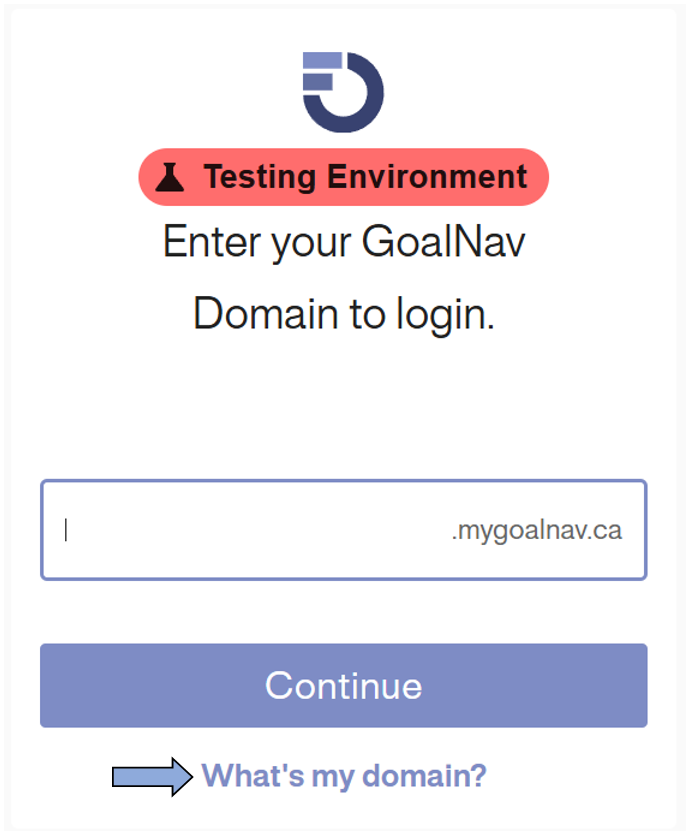
To start using the GoalNav® system, access it through your assigned study domain. It should look similar to this:
[domain].goalnav.ca
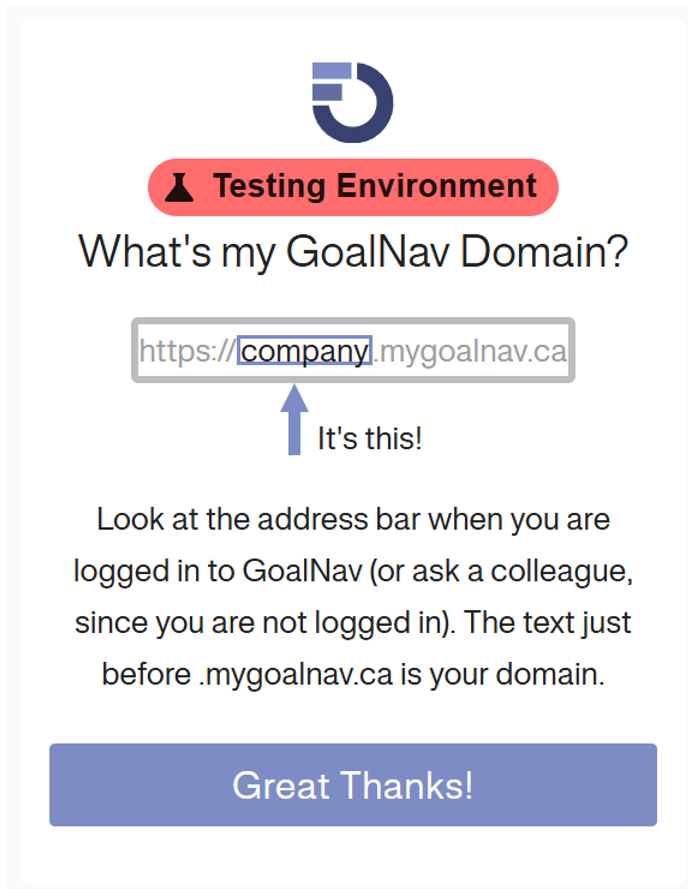
The study domain can be found in the GoalNav training document provided when gaining access. If you cannot find it, please contact us using your study-specific email.
If you use the generic URL goalnav.ca, you will be redirected to a search page. Click on “What’s my domain” to see instructions for locating it.
Signing In
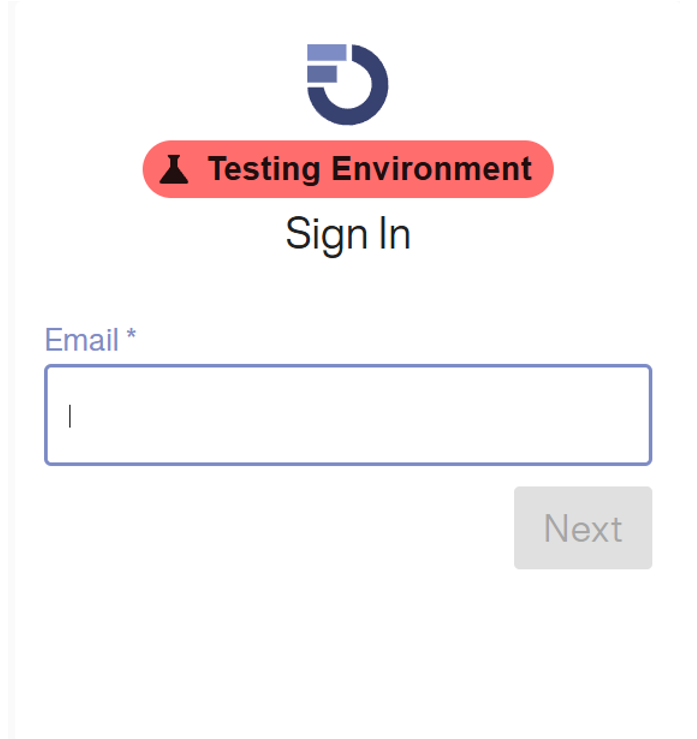
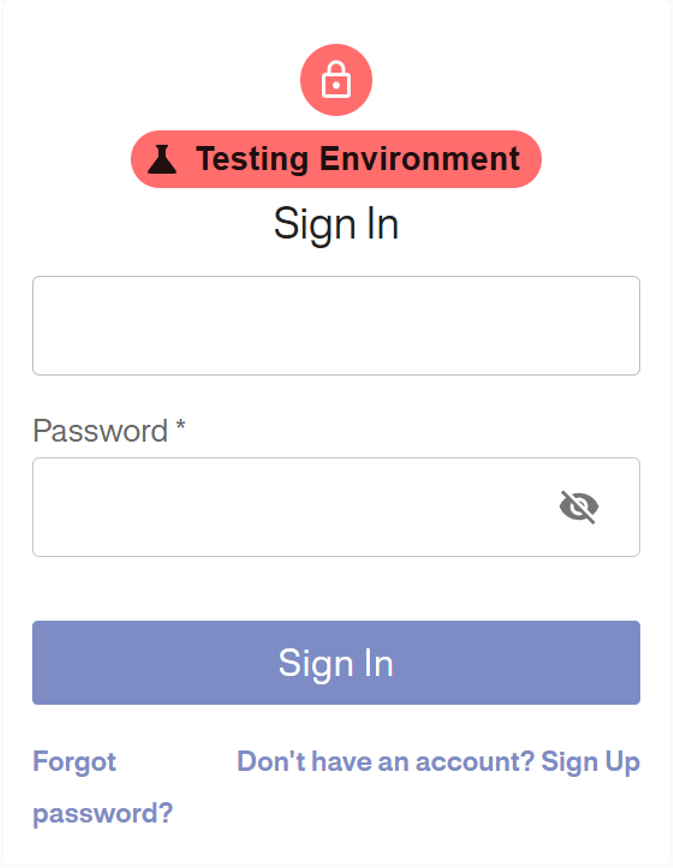
Once you are on the correct domain, you will be prompted to enter your email address.
Single Sign On (SSO)
If your organization uses SSO (signing in with a work account), you will be redirected to your organization’s login page after entering your email. Login as you normally would, and you will be redirected back to GoalNav. You are not required to create a separate GoalNav account.
Standard Password Login
If you have a password set for the account:
1. Enter the password in the password field.
2. Click Sign In.
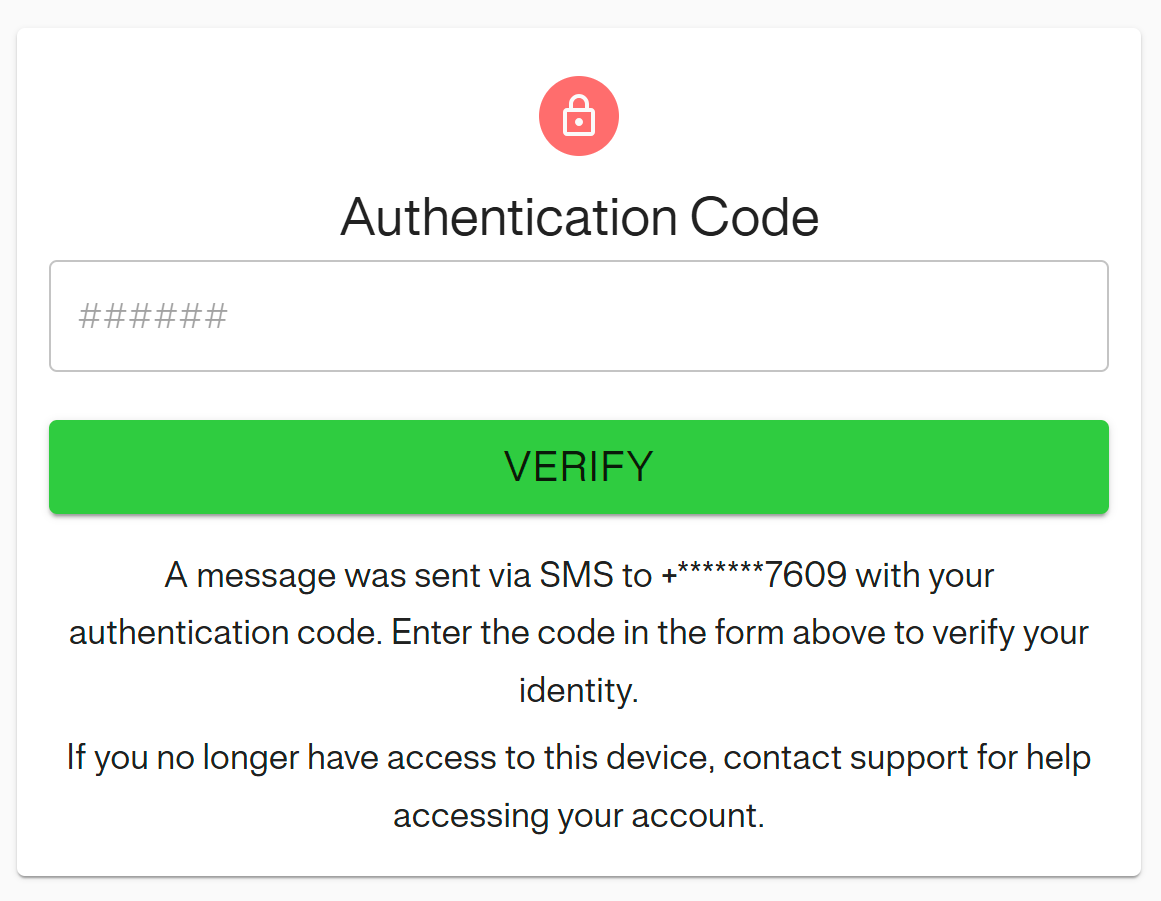
2-Factor Authentication (2FA)
If 2FA is enabled, a code will be sent to your preferred authentication source. Enter the code in the text box and click VERIFY.
Security & Compliance Notice
In accordance with ALCOA+ principles and 21 CFR Part 11 regulations, all users are strictly prohibited from sharing their Electronic Data Capture (EDC) system credentials, including usernames and passwords, with any other individual. Access to the EDC system is personal and non-transferable.
Sharing credentials compromises the audit trail, undermines data integrity, and constitutes a serious violation of clinical trial security protocols. Any action performed under a user’s unique login is legally attributed to that individual. If you suspect your credentials have been compromised, you must notify the Sponsor or IT Help Desk immediately to reset your access.
Common Access Issues
If you have not been authorized to use the system by the GoalNav team, the following message will display:
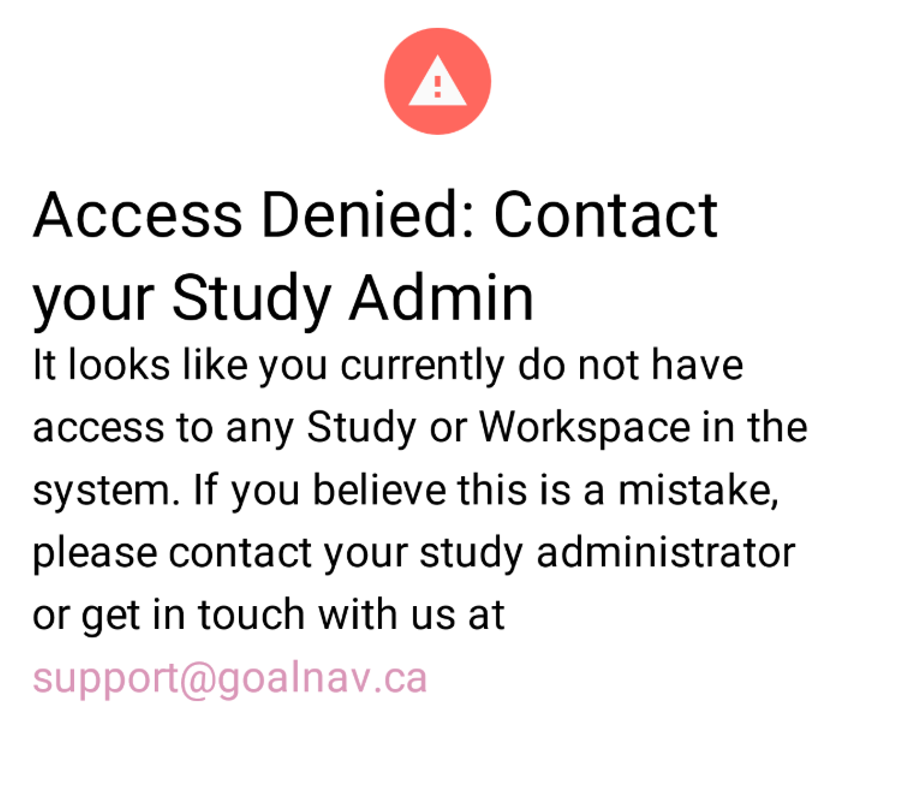
Action: Please contact the email listed on the screen or support@goalnav.ca and our team will review the issue.